



FMCG/CPG metric
OSA and OOS: availability of a product on the shelf and its absence
OSA (On-Shelf Availability) is the share of product items from an agreed list that are actually present on the shelf at the moment of the check. OOS (Out-of-Stock) is the share of missing items from the same list. Stock in the outlet’s back room does not count as availability on the shelf.
- AI Shelf Recognition for Retail Execution
- Trade Marketing Promotion Execution
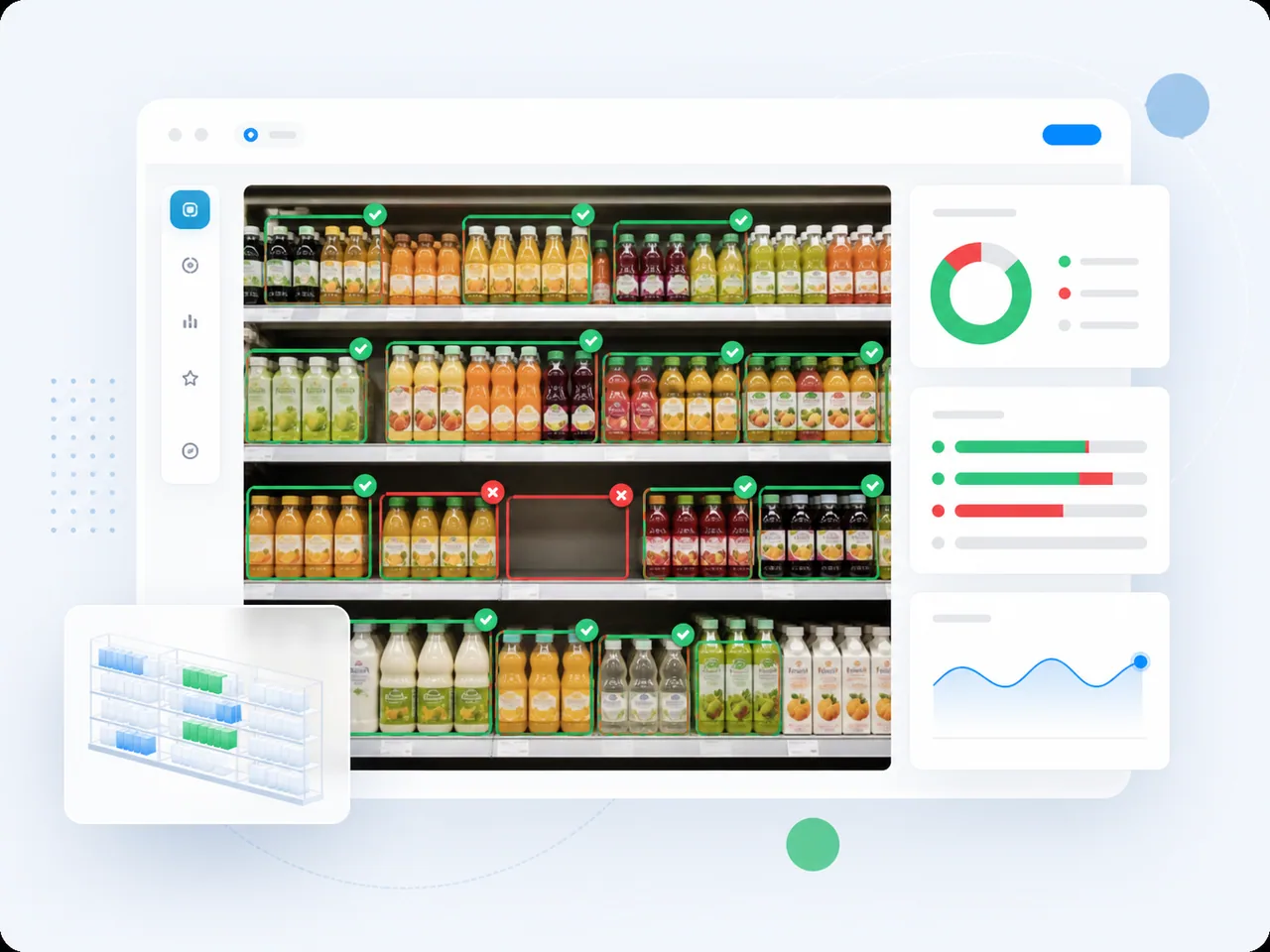
In detail
OSA helps merchandising managers see which agreed products shoppers can find on the shelf. In this article, OOS means shelf absence, not necessarily absence of stock throughout the store. Stock in the back room or in transit does not confirm shelf availability. A check describes one moment, not availability throughout the day.
For a complete check, OSA is the number of present SKUs divided by the number on the agreed list; OOS uses confirmed missing SKUs over the same list. Multiply by one hundred for percentages. Their sum is one hundred percent only with the same base and moment, and every item classified as present or absent. An empty list gives no defined percentage. An unchecked item or unreadable photograph is unknown, not OOS. Report coverage and unknown items separately for an incomplete check; a share among checked items is not a result for the whole assortment.
Before a visit, fix the list applicable to the outlet: the MML or assortment-matrix version, effective dates and areas to inspect. Match the exact SKU, including its variant and pack: a similar product does not establish availability of the required item. Count unique SKUs, not units or facings. Apply an agreed rule to secondary displays; do not retrospectively change the list to improve the score.
A visit provides direct observation, a photo records the visible shelf and sales provide a signal of possible absence. Zero sales alone do not prove OOS: demand may be weak or till data incomplete. Photos need legibility, coverage, outlet identity and capture time. An old image does not establish the current state; uploading or processing the same frame again does not create a new observation. Review uncertain items separately; automation depends on the configured scenario.
The overall score depends on which outlets, SKUs and moments were checked. Results from visited stores cannot automatically represent the whole network. For comparable observations, total present and checked items before calculating the share, and report list coverage separately. A simple average of store percentages can distort the result. Show rechecks after replenishment separately from the initial observations; otherwise corrected outlets receive more weight. The share of successful checks is not the share of time a product was available.
After confirming a shelf gap, establish whether stock is available in the back room, awaiting receipt, in transit or absent from the store. These situations need different actions and owners. OOS alone does not quantify lost revenue or prove an employee is at fault. Confirm a correction by checking the shelf again, not only by marking a task complete.
How it is measured
- Prepare the outlet list, agreed SKU list and version, effective dates, display areas and availability rule. Specify the purpose: shelf replenishment, delivery investigation or execution-standard checks.
- Record an observation ID, outlet, SKU, time, method and result: present, confirmed absent or not checked. Mark whether this is the initial observation or a check after action. Cover every agreed display area; do not turn unknown into absent.
- Keep evidence with its capture time and a link to the observation. Check frame coverage, legibility and exact SKU identity. Reprocessing a frame refines the existing result rather than adding a check. For recognition, agree the catalogue, quality criteria and manual review of uncertainty; capabilities and response time depend on configuration.
- For confirmed OOS, check physical stock, receipt, order and delivery. System stock helps investigate the cause but does not replace a shelf check. Treat assortment changes as separate decisions with effective dates.
- Assign an action, an owner and a recheck time. Backroom replenishment, goods receipt and a new delivery are different tasks. Keep the original absence and a new observation after action; fixing the gap must not erase its history.
- Compare initial observations across comparable outlets, lists and times. Show verified corrections, coverage and unknown items separately. For discussion, prepare an anonymised outlet/SKU list, linked before-and-after photos and the current report. Explore visit controls in merchandising and the conditions for working with photos in AI Shelf.