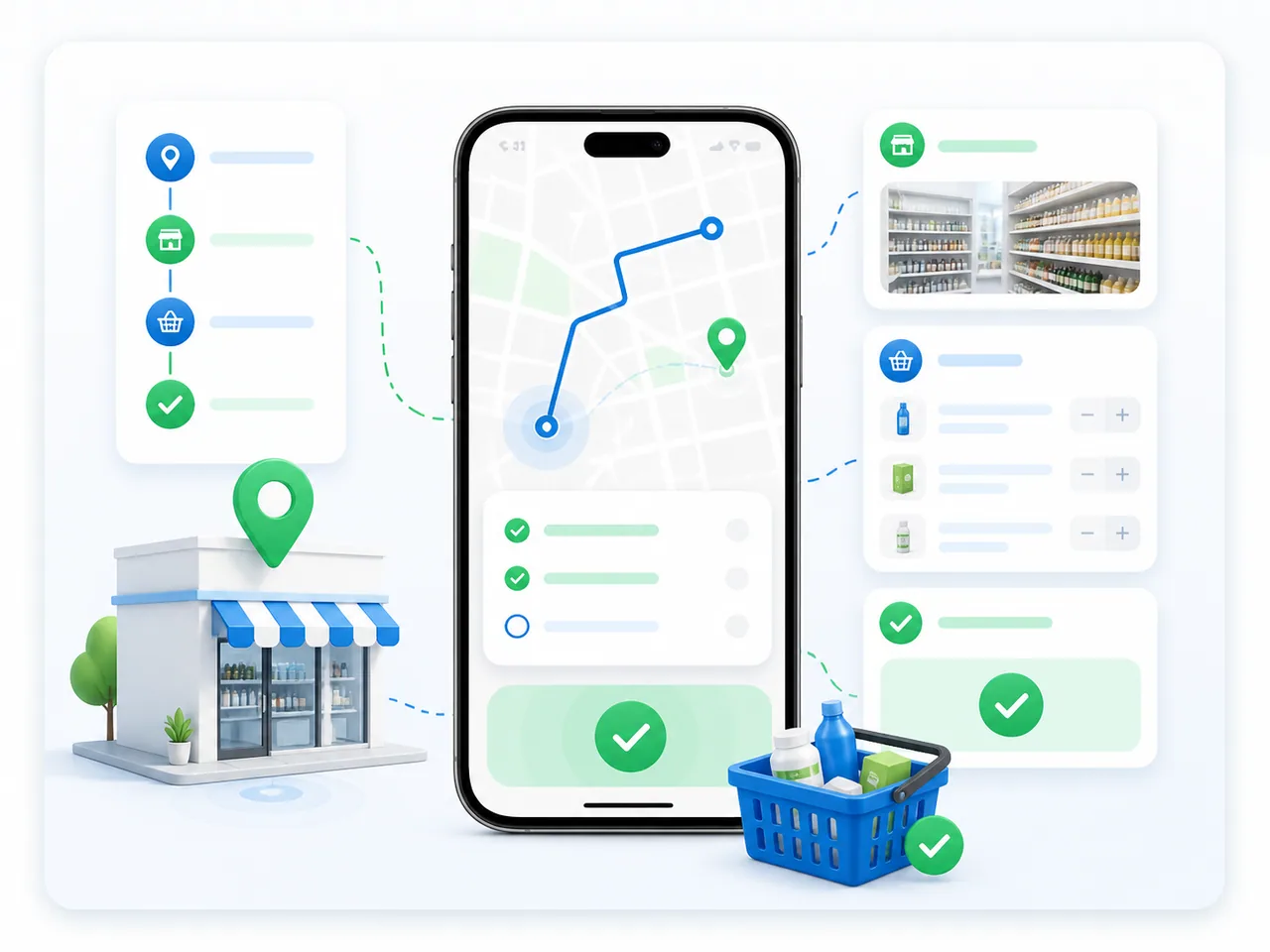
Daily targets and priorities
The field employee receives outlets, tasks, the visit plan, active promotions and the customer's financial context.
- What the employee sees
- What needs to be completed today
- Next action
- Build the route and set priorities
Smartup SFA · For manufacturers and distributors
Sales representatives follow their routes, record visits and take orders. Managers see progress against the plan, outlet photos and reasons for declined orders.

Visits are difficult to verify
Connect the planned route with visit records, checklists and outlet photos.
Orders need repeated clarification
Check the assortment, prices, availability and customer restrictions using data from the chosen accounting system and agreed project rules.
Team results are compiled manually
Review completed visits, orders and reasons for declined orders by representative and territory.
Closed-loop field sales
Choose a stage to see the action and the result.
The field employee receives outlets, tasks, the visit plan, active promotions and the customer's financial context.
The situations and statuses below are illustrative. Visit steps, geofence rules, KPIs and order controls are configured for each customer's roles, channels and sales model.
The representative sees the outlet sequence and visit schedule. The supervisor can review departures from the plan.
Check-in, geolocation, checklist answers, photos and exception reasons remain linked to a specific outlet and employee.
The system checks assortment, price, promotions, product availability and credit controls in the selected customer's context.
The supervisor sees route compliance, productive visits, no-order reasons and exceptions that require action.
Supervisor board
Outlet, time, checklist and photos.
A missed outlet, refusal or order restriction.
Review the cause, assign a task or adjust the route.
Outlet visit
Time, outlet, geolocation and connectivity status establish the working context.
The employee completes the required checklist and records a reason when the outlet is closed or a step cannot be completed.
Assortment, availability, price, display, POSM and photos are checked in the workflow configured for the outlet.
The order uses the customer's permitted assortment, prices, promotion terms and agreed order multiples.
Receivables, available credit and the permitted action appear before the order is confirmed.
The representative saves the order or no-order reason, photos and completed tasks. The manager can review the visit outcome and duration.
CUSTOMER EXPERIENCE
Food distribution · Uzbekistan
Sales rules
Permitted SKUs are determined by contract, channel, outlet segment and target assortment.
Stock is checked at the agreed fulfilment warehouse or against route stock.
The price list, discount, promotion mechanics and order multiples are applied for the selected customer and order date.
Overdue receivables, available credit and contract blocks determine whether the order is permitted, blocked or requires approval.
One team - shared data
In configured offline scenarios, routes, visit steps, orders and photos are saved on the device. New data reaches the shared system after synchronization. Price, stock and credit changes are checked under the project rules when connectivity returns.
SFA covers field teams, outlet visits and order capture. It does not replace distribution management (DMS), warehouse management (WMS), delivery or accounting. These processes connect to SFA through Smartup modules and the chosen accounting system: your ERP or the Smartup ERP core within the agreed scope. Data sources and exchange rules are defined before launch.
Team and territory
Who visits outlets, how routes are planned and which visit steps are required.
Data and systems
Where customers, products, prices and receivables are maintained: in your ERP or the Smartup core, and how the data reaches SFA.
Acceptance
Which visits, orders and reports to check with your users before expanding the rollout.
The discussion will define the first rollout workflow, data to exchange and acceptance criteria. The proposal will set out the scope of work.
For the rollout decision
Assess the path from a verified visit to a manager’s decision on a territory, employee or outlet, not the number of mobile screens.
In configured project scenarios, routes, visit steps, orders and photos are saved on the device and synchronised when connectivity returns. Prices, stock and credit-limit checks follow the agreed project rules. Test the selected workflow and conflict handling before rollout.
No. ERP can remain the accounting system and source of agreed product, price and stock data. Smartup returns visit and order information. Agree the data scope, exchange direction and frequency during setup.
They help confirm the outlet visit and shelf condition. Managers can review exceptions and assign follow-up tasks. Agree the required checks and access permissions before rollout.
Platform scale
Shared records connect visits and orders with other business processes. The figures below describe the whole Smartup platform, not SFA alone.
active mid-sized and large companies in Central Asia
daily active users
confirmed integrations
FIELD SALES · SMARTUP SFA
For an estimate, we will clarify user numbers, required modules, integrations and team training. The proposal will specify the commercial terms and implementation scope.