



Practical guide
Digital marking of goods in Uzbekistan: what it changes in accounting
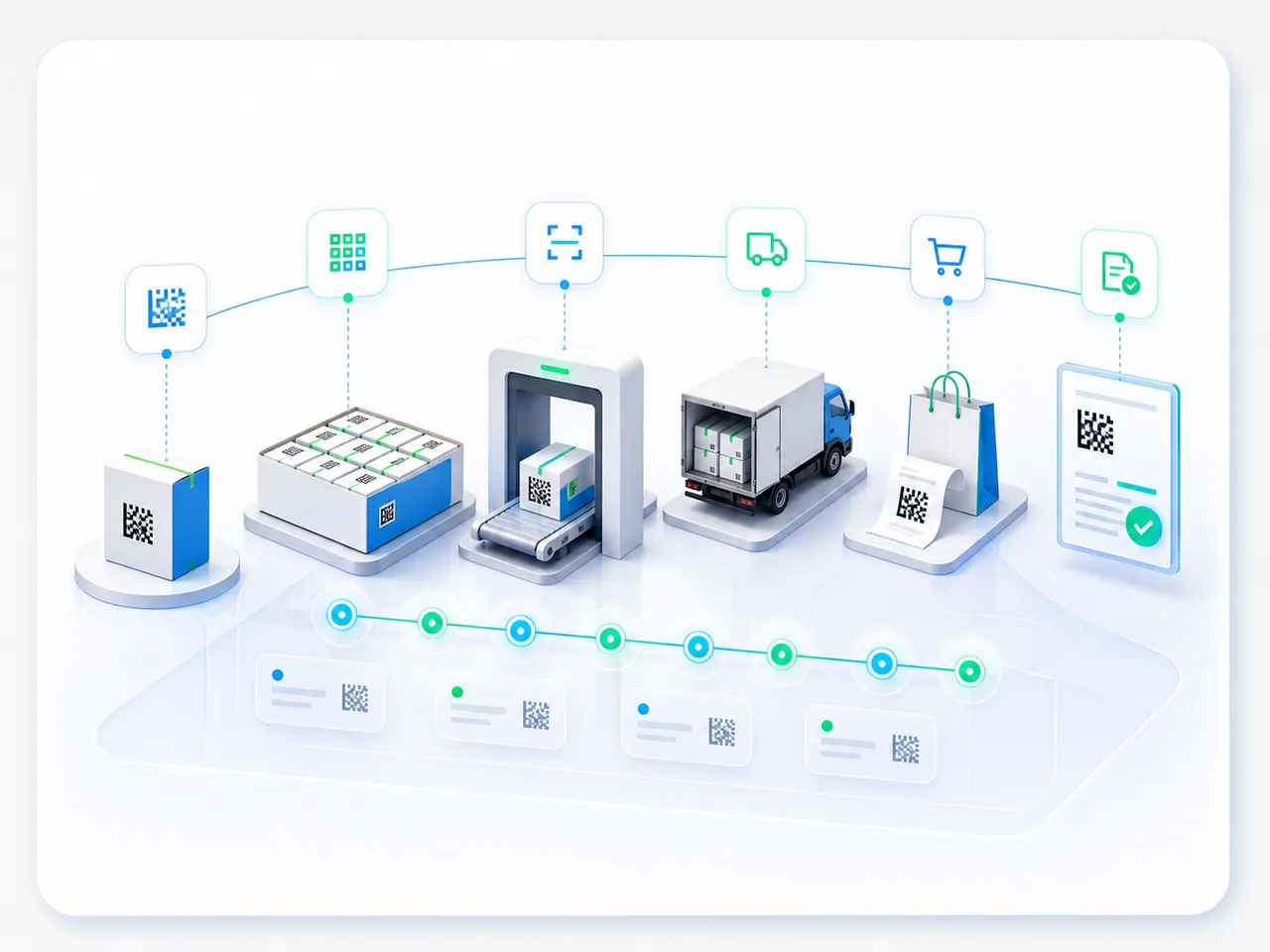
Digital marking is a unique DataMatrix code on a unit of goods and the registration of its movement in a state system; in Uzbekistan that system is called Asl Belgisi. On shipment the codes reach the electronic invoice, and on receiving they are matched against the codes on the goods themselves.
- Marked Goods & E-Invoicing
- Warehouse Operations and Inventory Management
In detail
This guide helps warehouse managers, operations teams and IT prepare a workflow for marked goods. A code adds the identity of a particular pack to the product and quantity; it does not replace quantity accounting. A scan means that the code was read. It does not by itself confirm receipt, permission to perform an operation or its registration in an external system.
The systems have different roles. Asl Belgisi is the national digital marking and traceability system; Faktura.uz is an electronic document exchange operator through which electronic invoices can be handled. The document operator does not set marking requirements. The client’s responsible specialist checks which requirements apply to the product and operation against current official material; the project records the source and review date.
Before sending, reconcile the physical shipment, product, pack, quantity and codes with the document version. Account for aggregation: a case code can represent several codes of contained packs, so the number of scans need not equal the number of units. Check the aggregation contents and avoid counting both the case and its contents. An unreadable or repeated scan needs investigation, not an automatic quantity increase.
Distinguish local saving, sending, system receipt and the final operation status. If there is no response, first look up the outcome using the original document or request identifier; retry only under an agreed rule that prevents duplication. For partial shipments, returns or corrections, retain the original operation link, actual codes and document version. Successful invoice transmission does not prove that every required action is complete.
Agree the automation scope for the specific project: Smartup operations, the accounting system, Asl Belgisi, the chosen document operator, devices and staff permissions. API availability does not establish readiness of the full workflow. Use examples to verify formats, access, code transfer, statuses and error handling. Assess manual entry after this test; the article does not promise its elimination in every configuration.
For a discussion, prepare one operation flow, an anonymised document, the packaging type and a discrepancy example. Do not include active keys or credentials. In a pilot, compare code-to-document completeness, manual corrections and investigation time at a comparable operation volume. These inputs support a discussion of Smartup’s marking and fiscal operations module; supported scope and connection terms require separate confirmation.
How it is applied
- Choose one operation and product group. Record participants, the requirements source and review date with the client’s responsible specialist.
- Map products, units and packs, warehouse, partner and document identifiers. For aggregation, check the contents and permission to retrieve them.
- Test the path from scanning to document reconciliation. Include unreadable codes, repeated scans and mismatched contents.
- Work through a partial shipment, return and correction. Keep the original operation, versions and actual codes instead of overwriting history.
- Verify the final status and a missing-response case. Assign an investigation owner and a rule for checking the original request before any permitted retry.
- Compare the pilot with the initial process using the same method. Bring examples and a list of unverified operations to the connection discussion.